Configure a phone numbers bundle
A bundle groups several phone number ranges together, for use when one range does not cover the numbers you need. Define the ranges before you build the bundle.
To configure a bundle:
-
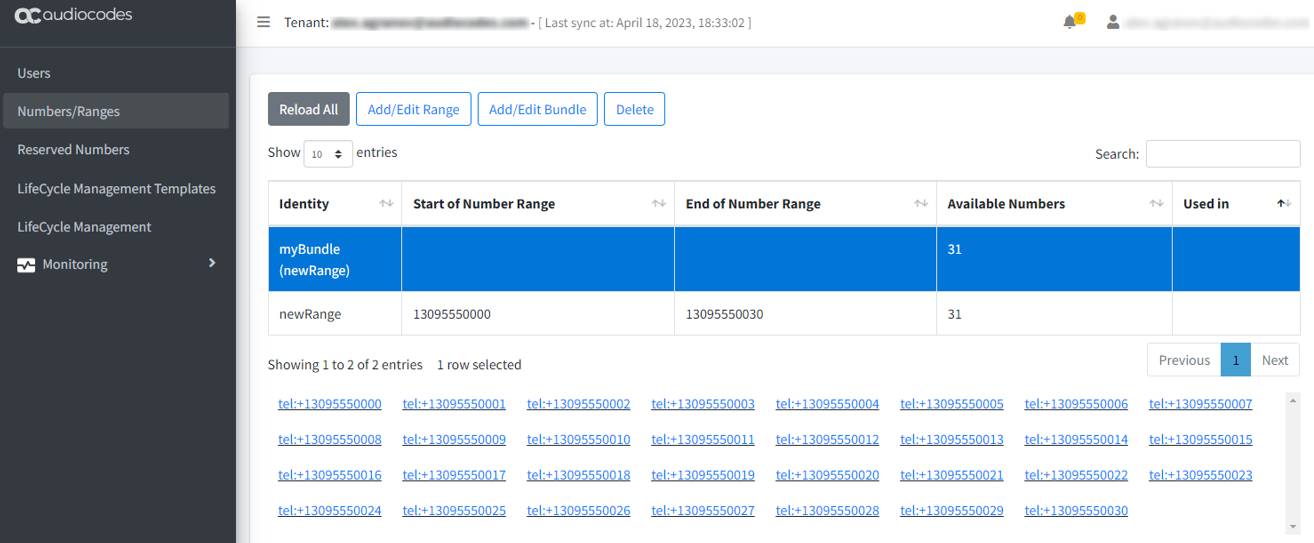
In the Teams Management portal, on the Numbers/Ranges screen, click Add/Edit Bundle.
-
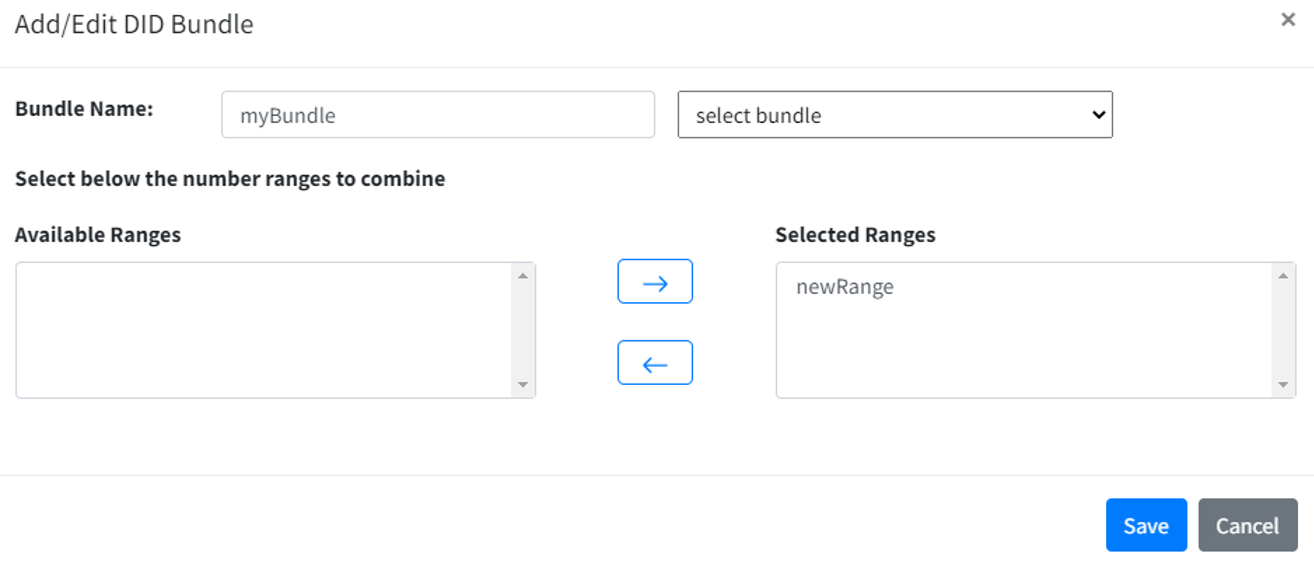
In the 'Bundle Name' field, enter a name.
-
Move the ranges you want into the 'Selected Ranges' list with the arrow buttons.
-
Click Save.
The bundle appears in the table. Select it to see every number it covers.